
When someone asks “who changed this?”, “why was this request cancelled?”, or “when did the process fail?”, online software should provide a clear, understandable record. A last-modified date is not enough: operations need an activity log designed around relevant actions.
This is not about monitoring every click. It is about reconstructing important actions, resolving questions, spotting failures, and supporting review or approval workflows. OWASP explains that application logs add context that infrastructure logs often lack and can support both operational monitoring and investigation. Read OWASP’s logging guidance.
A good activity history does not try to record everything. It records what people need to understand and act.
Start with the questions the history must answer
Before defining database tables, screens, or alerts, collect the real questions that currently require searching messages, checking spreadsheets, or asking multiple people. Every recurring question is a candidate for a traceable event.
- What happened: a record was created, edited, approved, rejected, assigned, exported, cancelled, or deleted.
- What it affected: an order, customer, document, task, product, appointment, account, or another process object.
- Who or what did it: an identified person, an integration, or an automated task.
- When it happened: a date, time, and time-zone convention shared across the operation.
- What the outcome was: completed, rejected, failed, pending, or sent for review.
- Why it matters: a stated reason, applied rule, or related request reference where appropriate.
NIST describes log management as a lifecycle covering generation, transmission, storage, access, analysis, and disposal. In practice, that means value does not come from merely saving an event: people must be able to find, interpret, and retain it for as long as the process requires.
Define a short catalog of meaningful events
Not every movement needs the same level of detail. Begin with actions that change a process state, affect important information, involve authorization, or may need an explanation later.
Events commonly worth recording
- Creation, editing, cancellation, and deletion of important records.
- Status changes such as draft, submitted, approved, rejected, closed, or archived.
- Assignments and reassignments between people or teams.
- Approvals, rejections, and rule exceptions.
- Imports, exports, and bulk downloads of sensitive information.
- Actions performed by automations or external integrations.
- Failed access attempts and changes to critical settings.
For each event type, create a simple definition: event name, trigger condition, minimum data to retain, roles allowed to view it, and retention period. This prevents different parts of the system from creating incompatible event names, rules, and formats.
Store context, not unnecessary data
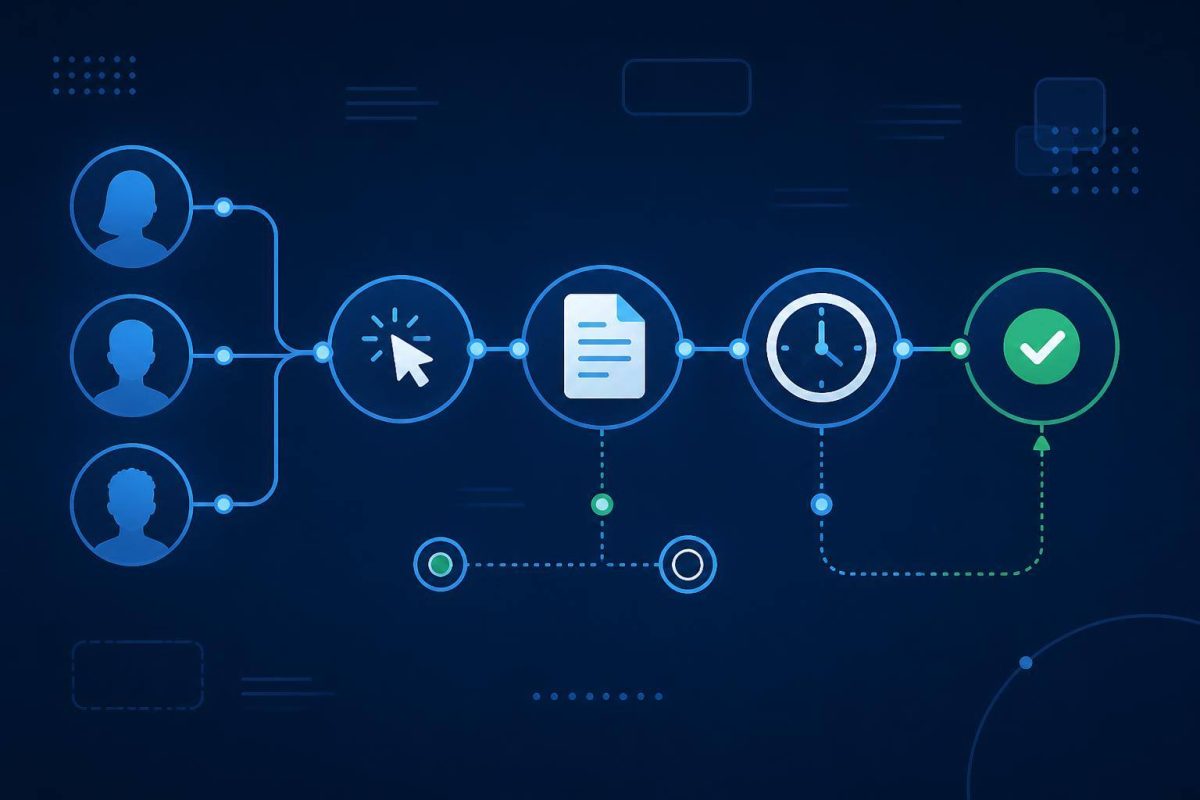
A business event can follow a stable structure: actor + action + object + time + outcome + context. For example: “Maria Perez approved request #184 on September 4, 2026 at 10:32, in the Purchasing module, with the reason ‘budget validated’.”
When important data changes, storing the previous and new values can be useful—but full content is not always needed. For an address update, stating that the field changed may be enough. For an amount change, before-and-after values may be essential. The decision should follow the question the team will need to answer later.
OWASP recommends capturing information about when, where, who, and what happened. It also cautions against directly logging passwords, access tokens, keys, payment data, and sensitive personal information unless there is a valid reason and appropriate safeguards. Its guidance also details data that should be excluded, masked, or pseudonymized.
Design a screen that supports investigation
A technically complete log that is hard to read will not be used. The activity view should show a clear sentence first and reveal deeper detail only when needed.
Helpful interface elements
- A readable description: “Carlos reassigned the case to Level 2 Support,” rather than an internal code.
- Consistent dates and times: using an agreed convention for people in different locations.
- A link to the related object: so users can open the order, document, or task without copying identifiers.
- Specific filters: by period, person, action, outcome, and object.
- Progressive detail: the list shows essentials while a detail panel provides reasons, relevant values, or technical identifiers.
- Clear automation labels: an integration should not look like a human action.
It is also wise to separate the operational history used by working teams from technical or security logs. They can share an operation identifier, but their audiences, volumes, and access requirements differ.
Protect log integrity and access
A history loses value if anyone can delete or alter it without a trace. At minimum, define who may view events, export them, and administer retention. Actions taken on the history itself—such as an export or configuration change—should also be recorded.
OWASP recommends protecting logged data from unauthorized access, modification, and deletion, and reviewing read privileges regularly. That does not mean every activity history must be absolutely immutable; it means exceptional corrections should be controlled, explainable, and traceable.
Test it with real cases before calling it done
The most useful test is not checking whether the table receives rows. Select common incidents and questions, then see whether someone who was not involved can reconstruct what happened from the history.
- An approval made in error.
- An amount or status change disputed by two teams.
- An import that created duplicate records.
- An automated task that failed and ran again.
- A question about who downloaded or exported particular information.
Also verify that the system does not store secrets, filters return accurate results, timestamps are reliable, and event recording does not slow down the main process. OWASP includes logging functionality, access controls, and failure scenarios in its recommended verification work.
Conclusion: useful traceability, not event accumulation
A well-designed activity log turns a discussion based on memory into a review based on evidence. Start with three or four processes that create the most questions today, define a focused event catalog, and test it against real situations before expanding coverage.
If your operation needs to connect statuses, approvals, users, automations, and history in one flow, a custom software system can shape that traceability around the actual business rules instead of forcing the process into a generic tool.