
As online software gains users, the question is no longer merely who can sign in. It is also what each person can view, which actions they can take, and under what conditions. Adding access case by case often leads to unclear profiles, exposed data, and difficult audits.
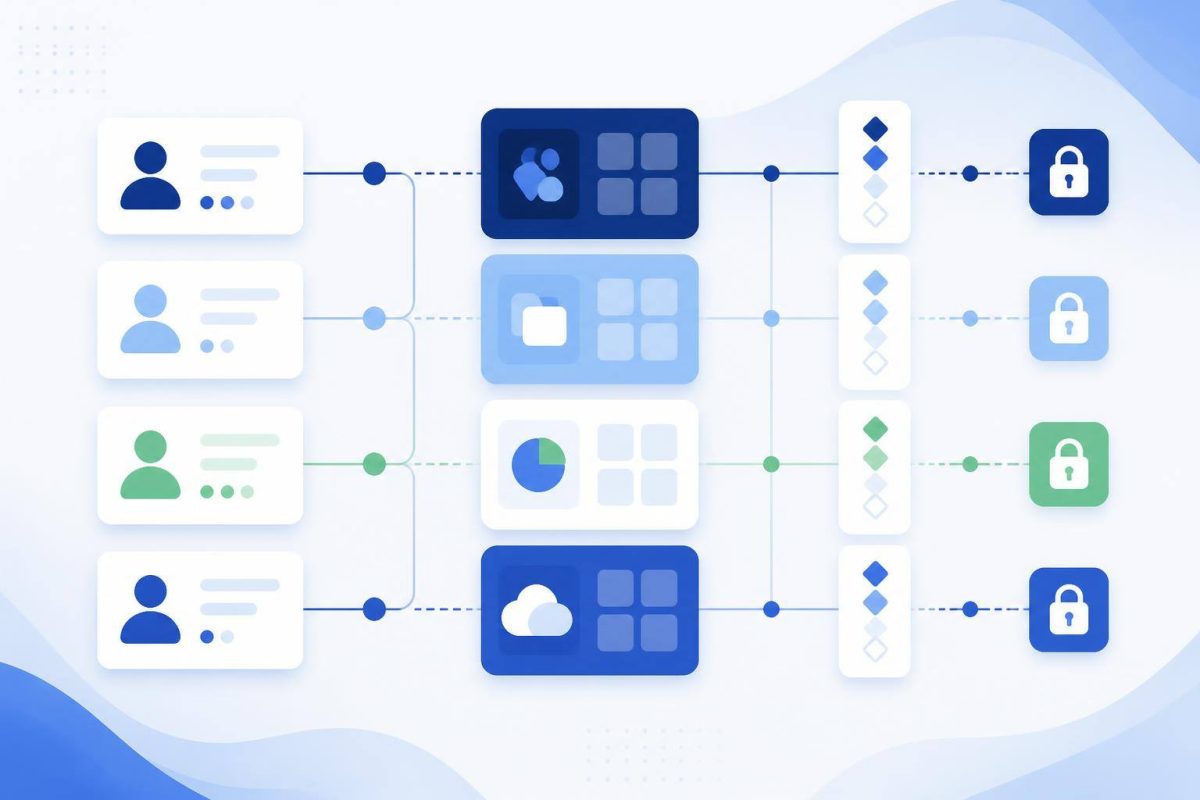
A better approach is to design access around the work itself. Role-based access control, or RBAC, groups authorizations by organizational function rather than assigning them person by person. NIST defines RBAC around roles that collect the authorizations required for defined organizational functions.
A useful permission does not answer who requested it first. It answers what a job function needs to complete its work responsibly.
Start by separating identity, role, and permission
These concepts are connected, but they are not the same:
- User: the person, account, or integration accessing the system.
- Role: a work function, such as sales, administration, supervision, or support.
- Permission: an allowed action on a resource, such as viewing customers, editing an order, or exporting a report.
- Scope: the boundary of that permission: all records, only owned records, one branch, or one team.
For example, “sales supervisor” should not be a permission. It is a role. Its permissions may include viewing team opportunities, reassigning them, and approving discounts within a defined limit.
Map real actions, not just screens
Before creating profiles such as “administrator,” describe the decisions and tasks the system must support. One screen may contain actions with very different risk levels: viewing, creating, changing, approving, downloading, deleting, or sharing.
- List sensitive resources: customers, prices, invoices, files, users, settings, and reports.
- Write down the possible actions for each resource.
- Define the scope of every action: own, team, department, branch, or organization-wide.
- Identify high-impact or irreversible actions, such as deleting, approving payments, changing bank details, or managing users.
- Assign business owners to validate each rule.
The resulting permission matrix can remain simple: roles in rows, actions in columns, and scope notes where needed. A matrix people can explain is more valuable than a long permission list nobody understands.
Use four design rules to avoid excessive access
1. Grant only what is needed
The principle of least privilege means each user receives only the access required to perform their work. OWASP recommends applying it during design: it is easier to add a justified permission than to remove overly broad access later. OWASP’s authorization guidance also recommends avoiding access granted by convenience or by default.
2. Deny what is not explicitly defined
A new feature, API, or file should not be reachable simply because no rule was created for it. A deny-by-default approach requires every access path to be justified and reduces gaps when the system grows.
3. Separate incompatible duties
If one person can create a payment, approve it, and change the destination account, the weakness is not only technical: an operational control is missing. For actions with financial, legal, or reputational impact, split preparation, approval, and execution across roles, or require an additional confirmation.
4. Check permission on every operation
Hiding a button is not the same as protecting an action. Authorization must be checked on the server whenever the system reads, changes, approves, or deletes a resource. NIST explains that a transaction must be authorized through the user’s assigned roles; signing in alone is not enough. NIST’s RBAC FAQ describes this relationship between role, transaction, and authorization.
When a role alone is not enough
RBAC works well for stable responsibilities. Some rules, however, depend on context. An account manager may view customers only in their portfolio; a manager may approve expenses only up to a threshold; a supplier may download a file only until a specified date.
In these cases, combine the role with conditions such as account ownership, record status, monetary limit, date, branch, or case relationship. Do not turn every exception into a new role. If you accumulate roles such as “sales-north,” “sales-south,” and “temporary-sales-north,” you likely need broader roles plus scope rules.
Test and review the model before scaling it
Turn the matrix into test cases. For every role, verify both what it must be allowed to do and what it must be prevented from doing. Also test URL changes, record identifiers, integration requests, and access to files or exports.
- Can a user view another team’s data by changing an identifier?
- Can someone bypass an approval through an alternative path?
- Does a deactivated user lose access immediately?
- Are permission changes, approvals, and sensitive actions logged?
- Are high-privilege accounts reviewed regularly?
Finally, assign ownership for account creation, changes, and removal. Even a sound permission model degrades when employee moves, contractors, and replacements do not trigger account updates.
Conclusion: treat access as an operational decision
A strong permission model is not about adding complexity. It ensures that each person has the information and actions needed for their responsibilities, that important changes can be traced, and that the system does not rely on informal privileges.
Begin with a roles-actions-scopes matrix for your most sensitive process. Validate it with the people doing the work and those accountable for its outcomes. If your system must translate specific workflows, responsibilities, and approvals into maintainable rules, Ideasweb can help build custom software and systems with that logic designed in from the start.