
For years, account access followed a familiar pattern: email address, password, and, when risk justified it, a second code. Passkeys change that model. Rather than asking people to remember a secret shared with a website, they use cryptographic credentials managed through the device, browser, and a compatible authenticator.
The publication of Web Authentication Level 3 as a Candidate Recommendation Snapshot on May 26, 2026 is meaningful for web teams. The question is no longer whether passwordless authentication exists, but how to introduce it without creating new dead ends for users or operations.
Stronger authentication becomes a complete improvement only when people can sign in, regain access, and understand what is happening without relying on improvised support.
What a passkey actually changes
On the web, passkeys rely on WebAuthn. The website does not receive or store a password equivalent: during registration, a public-key credential is created for the relying party, usually the service domain. At sign-in, the server issues a challenge and the authenticator produces a signed response that the server can verify.
This has an important property: the credential is scoped to the site for which it was created. The W3C specification explains that the browser mediates access and that page scripts do not directly receive the credentials. That does not eliminate every risk, but it replaces the reusable-password pattern with a different model.
WebAuthn is also widely available in modern browsers and requires HTTPS, according to MDN Web Docs. That lowers a technical barrier, but it does not solve the entire experience on its own.
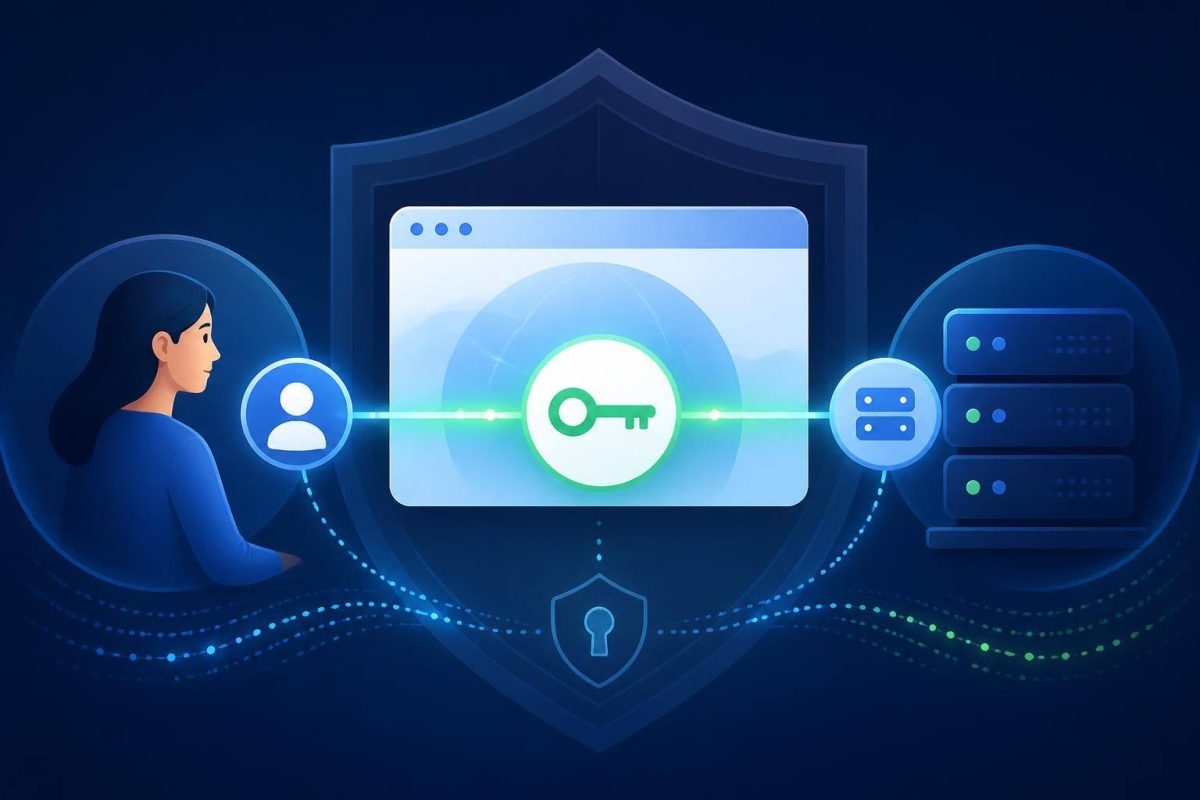
The news is not only the standard: it is the time to review sign-in
For a brochure website with no accounts, passkeys are probably not a priority. For a customer platform, supplier portal, membership site, intranet, or application handling sensitive information, they can justify a serious review.
The reason is not to chase a fashionable technology. Sign-in concentrates problems that affect conversion, support, and security: forgotten passwords, phishing attempts, missing codes, new devices, and shared accounts with unclear rules.
Browsers and credential managers are also reducing adoption friction. For example, in May 2025 Chrome documented an option to request automatic passkey creation when a saved password exists and has been used recently, without requiring an immediate replacement of other access methods. Chrome’s documentation illustrates a practical principle: migration can be gradual.
When it makes sense to evaluate passkeys
The decision is more relevant when access is an important part of the experience or operational risk. Useful signals include:
- The team handles many password-reset or account-lockout requests.
- Users regularly return from both phones and computers.
- The authenticated area contains personal data, private documents, transactions, or approvals.
- A compromised account can lead to cost, fraud, or data exposure.
- Registration and sign-in matter to a sale, booking, application, or recurring service.
- The organization can maintain documented recovery and support procedures.
It is better to postpone the initiative if user roles are still unclear, HTTPS is not properly implemented, the primary domain changes without planning, or no one can handle exceptional cases. A passkey does not compensate for disorganized account architecture.
Four decisions to make before coding
1. Decide whether it is an option or a requirement
A careful approach is often to offer passkeys as an alternative after a successful sign-in with the existing method. This makes it possible to observe adoption and failures without excluding people who still need a password, a one-time link, or an identity provider.
Making passkeys mandatory from day one can fit controlled environments, but it requires stricter enrollment, device, and contingency planning.
2. Design recovery without weakening the system
Losing a device, changing phones, or using a shared computer should not make an account impossible to recover. But an overly weak recovery channel can become the new attack point.
Define what evidence is required, who can approve exceptions, how long recovery takes, which notifications are sent, and how each change is recorded. The goal is not extra steps for their own sake; it is preventing improvised support from undoing the security improvement.
3. Review domains and real journeys
WebAuthn binds credentials to a relying party identified by a domain. A journey split across domains, subdomains, or brands must therefore be assessed before launch. Test the flow on the browsers and devices the audience actually uses, not only on development machines.
4. Measure without turning sign-in into a black box
Counting created passkeys is not enough. In a privacy-conscious way, measure registration starts, completion, successful sign-ins, abandonments, recovery use, and support contacts. These signals help reveal whether the problem lies in the interface, a specific device, or an operational rule.
A sensible adoption plan
- Map current access. Identify sign-in methods, recovery, domains, external providers, roles, and critical users.
- Choose a limited use case. Start with employees, repeat customers, or a private section with a known user group.
- Keep a controlled alternative. The transition does not have to be all or nothing; define the fallback and when it can be used.
- Write messages for real people. Explain what a passkey is, when it is created, where it may be available, and what to do after changing devices.
- Test exceptions. Validate new devices, unavailable passkeys, multi-device accounts, recovery, and credential removal.
- Review outcomes and support. Adjust the flow with evidence before expanding its scope.
Conclusion: this is not about removing a password field
WebAuthn Level 3 reflects the maturity of a technical foundation for strong web authentication. The opportunity is not to announce passkey support; it is to reduce friction and exposure without leaving people stranded when something changes.
The next useful step is straightforward: bring product, development, and support together, map the current sign-in and recovery journey, and identify where users drop off or incidents occur. If a passkey addresses a specific part of that journey, plan a pilot.
Does your website need a private area, registration, or more secure access? At Ideasweb, we build websites with features aligned to user journeys, operations, and project goals.