
For years, “it should look good in every browser” has been a common but imprecise promise. The modern web offers more native capabilities for animation, layout, navigation, and real-time experiences. But the existence of a feature does not mean it behaves identically in every browser, version, or device.
That is the context for Interop 2026, an initiative involving organizations connected to the major browser engines to improve consistent implementation of web-platform features. Its focus areas include Scroll Snap, scroll-driven animations, View Transitions, WebRTC, WebTransport, the Navigation API, and specific compatibility issues such as ECMAScript module loading.
Compatibility is not a last-minute detail: it is a product decision about the experience promised to each user.
What changed: asking whether a feature is “supported” is no longer enough
A short answer to that question usually hides the relevant conditions. A feature may work in the latest stable releases of major browsers and still need an alternative for older devices, in-app web views, assistive technologies, or particular user journeys.
MDN uses Baseline to summarize web-feature availability. It is a useful starting signal: “widely available” indicates a consistent support history, while “newly available” means the feature reached the core browsers but may not cover older versions. MDN also makes clear that this status does not replace accessibility, performance, security, usability, or older-device testing.
The important point of Interop 2026 is not that the web is inherently incompatible again. It shows that browser teams are coordinating around real differences that affect real projects. The practical consequence is straightforward: adopting modern technology requires deciding what happens when that technology is unavailable or behaves unexpectedly.
Interop 2026 areas worth assessing carefully
The focus list is not a mandatory implementation checklist. It helps identify where assumptions can be risky.
- Motion and interaction: Scroll Snap, scroll-driven animations, and View Transitions can improve perceived smoothness, but content and navigation must work without an animation.
- Complex interfaces: the Navigation API, dialogs and popovers, or scoped custom-element registries are more relevant to applications, dashboards, and state-heavy systems.
- Real-time communication: WebRTC and WebTransport matter more for calls, collaboration, streaming, and interactive software than for a simple company website.
- Less visible but critical issues: Interop also covers module loading, scroll and animation event timing, and historically prefixed CSS properties. These details can break part of an interface even when the page looks fine.
According to WebKit, the program includes twenty focus areas and relies on Web Platform Tests to assess standards conformance. That is positive for the platform, but it does not automatically make every feature suitable for every audience.
How to decide whether to adopt a modern feature
- What specific problem does it solve?
If it only adds visual polish, it should not prevent reading, purchasing, submitting a form, or navigating. - Who uses the site, and in what context?
An internal tool for updated company devices is different from a public mobile-facing site with an unknown audience. - What is the functional minimum without it?
Define the journey without the advanced feature first, then add the enhancement where it works reliably. - What support evidence is needed?
Review feature documentation, Baseline status, and the browsers agreed for the project. One demo is not enough evidence. - How will it be tested?
Assign owners, devices or test services, critical journeys, and acceptance criteria before development begins.
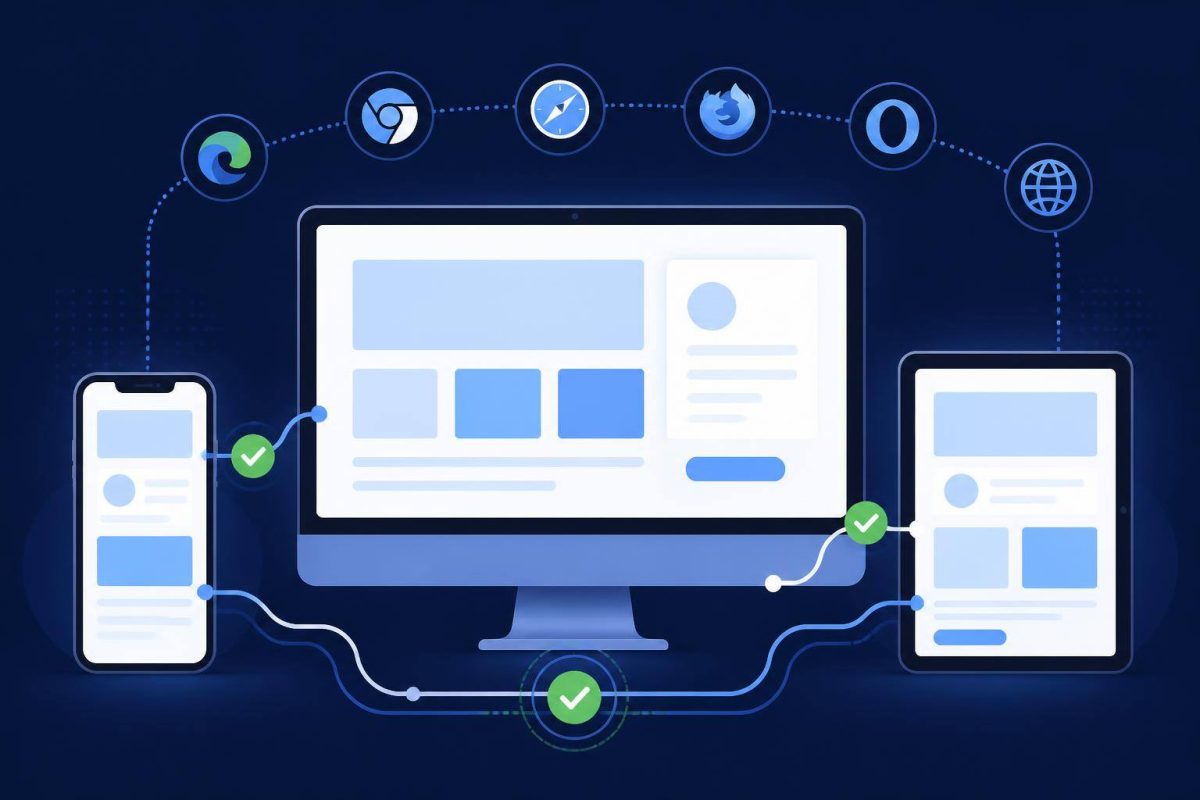
Use progressive enhancement, not lower expectations
Progressive enhancement does not mean providing a neglected version to some users. It means building a clear, functional experience with broadly available capabilities first, then adding improvements when the environment supports them.
A page transition, for example, can create visual continuity, but a link must still reach its destination when the transition does not run. A scroll-snapping carousel may help exploration, but its items must remain usable with keyboard, touch, and visible controls. A real-time interface must explain clearly what happens when the advanced channel is unavailable.
MDN’s introduction to cross-browser testing notes that supporting every existing browser and device is not realistic, which is why the support range must be agreed. That conversation belongs with business stakeholders, not as a hidden technical decision after the fact.
A minimum compatibility matrix for the project scope
- Browsers and operating systems to be tested.
- Minimum versions or accepted update policy.
- Priority devices: mobile, desktop, tablet, or internal-use terminals.
- Critical journeys: home page, navigation, search, form, registration, purchase, or private-area access.
- Features with planned fallbacks and a description of each fallback.
- Known accepted issues, if any, and their real impact.
- Testing stages: prototype, staging, pre-launch, and post-launch review.
Conclusion: Interop is a signal to plan more precisely
Interop 2026 confirms that the web platform is gaining capabilities and that browsers are addressing differences that have long cost time for teams and users. The lesson is not to stop adopting new technology. It is to avoid letting a new feature become the only way a critical experience works.
Take one concrete step: select the browsers and journeys that matter to your audience, define the minimum experience that must work across them, and test modern enhancements on that foundation. If you need to apply that approach to a new or evolving digital presence, explore our website services and web plans.