
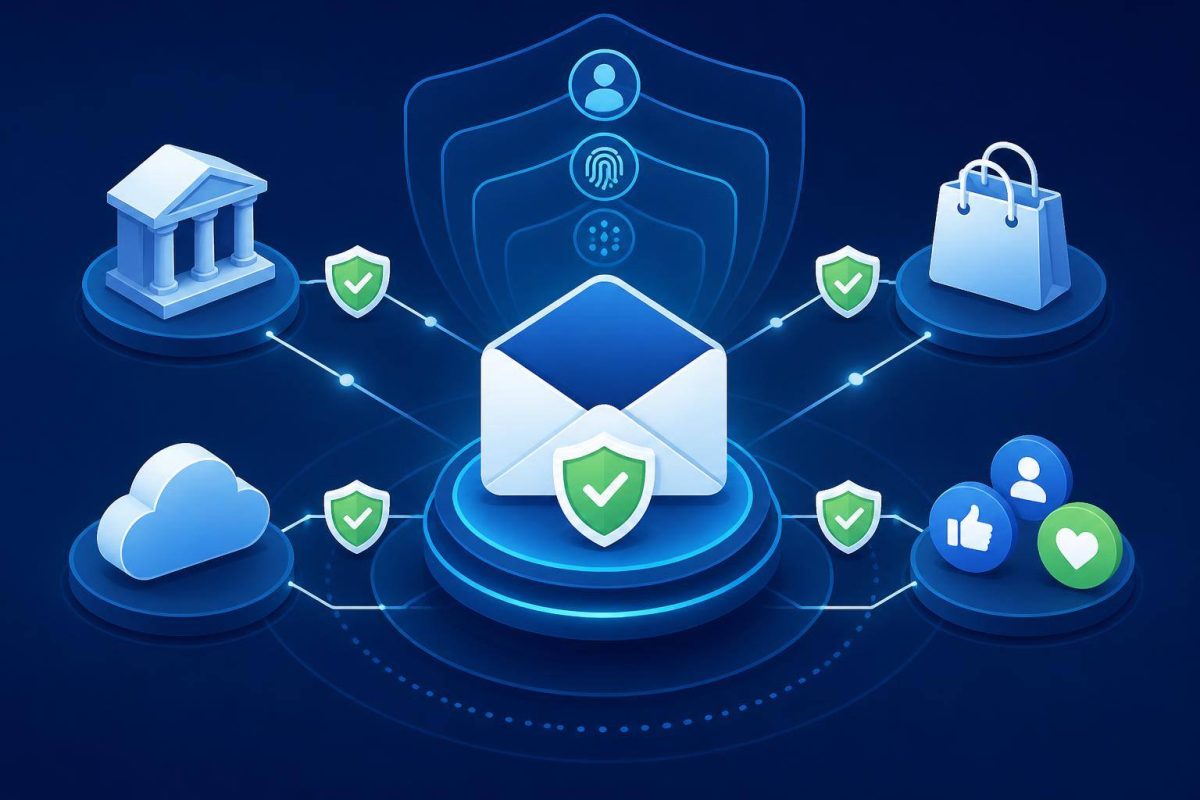
An online account is rarely isolated. Email resets passwords; payment cards cover subscriptions; social media can be used to impersonate someone; shopping accounts may store addresses and payment methods. The challenge is not simply having many accounts. It is not knowing which ones exist, which ones matter most, and how they can be recovered.
You do not need to change every password in one afternoon or create an impossible password to remember. A better approach is a simple system: inventory, priorities, distinct passwords, and a second sign-in check whenever a service offers it.
Everyday security improves when it stops relying on memory and starts relying on a repeatable process.
Identify the accounts that unlock other accounts
Not every account deserves the same urgency. An abandoned forum profile is different from your primary email or banking app. Create a private list, on securely stored paper or in a protected file, without writing down passwords. Include the service, associated username or email, recovery method, and priority level.
- Priority 1: primary email, banking, cards, payment wallets, tax services, digital identity, and mobile carrier account.
- Priority 2: online shopping, cloud storage, social media, messaging, work platforms, and education accounts.
- Priority 3: entertainment apps, free trials, communities, and services you no longer use.
Email needs special treatment. The FTC notes that a compromised email account can expose password-reset links for other services. Secure that account before working through the rest.
Reduce the inventory before adding more protection
An account you no longer need is an account you should not have to defend. Review subscriptions, trial services, old profiles, and apps connected through Google, Apple, Microsoft, or social media sign-in. If you cannot delete an account, remove saved payment details, personal information that is no longer needed, and third-party permissions.
Review active sessions as well. Sign out of devices you do not recognize or no longer own. On important services, make sure the recovery phone number and email address are current and under your control. Recovering an account with an old phone number is usually harder than preventing that situation.
Use a different password for every service
Password reuse feels convenient until one service has a breach. If the same combination is tried elsewhere, one exposed password can open several accounts. NIST SP 800-63B-4 explains that distinct passwords for each service help limit password-reuse attacks.
For most people, a password manager is the most realistic way to make this work. It can generate long, random passwords, store them, and fill them in where appropriate. NIST recommends password managers because they reduce the need to invent and remember many passwords; it also recommends protecting the manager itself with multifactor authentication when available. See NIST’s guidance on passwords, password managers, and stronger sign-in methods.
What to check before adopting a password manager
- Choose a long, unique master passphrase that you can remember without keeping it with your device.
- Enable MFA for the password manager.
- Understand its recovery process before an emergency happens.
- Store recovery codes separately in a secure location.
- Test access from your phone and another personal device before relying on it completely.
Enable MFA first where an intrusion would hurt most
Multifactor authentication, often called MFA or two-step verification, asks for something beyond a password: an approval in an authenticator app, a security key, or device biometrics, for example. It does not make an account invulnerable, but it adds an important barrier when someone has obtained or guessed a password.
Start with email, financial services, payment accounts, social media, file storage, and any account that can reset another account. If a service provides options, an authenticator app or security key is generally preferable to receiving codes by text message or email. The FTC explains the available methods and notes that MFA must be turned on manually for many accounts.
Prepare recovery without creating a back door
Recovery should be possible for you and difficult for someone else. Review security questions: if answers can be found on social media or in public records, they do not offer meaningful protection. Treat required answers as unique passwords and save them in your password manager.
Never share temporary verification codes or recovery codes by text, phone call, or email. A legitimate company does not need you to read back a code you received in order to confirm an action. If you receive an unexpected login or reset notice, open the service through its app or by typing its known address in your browser, rather than using the link in the message.
A 15-minute monthly routine
- Review sign-in alerts and connected devices for your primary email.
- Confirm that MFA remains enabled on priority accounts.
- Delete one unnecessary account or remove access for an app you no longer use.
- Change a password after a breach notice or wherever you had reused it.
- Check that recovery details are still current.
Conclusion: protect your ability to recover first
The aim is not a perfect setup or turning security into a daily chore. It is preventing one password, one outdated email address, or one shared code from compromising everything else. Start today with your primary email, enable MFA, remove unnecessary access, and use unique passwords for critical accounts. Then continue gradually: one well-secured important account is more valuable than dozens of rushed changes.