A message can look urgent, familiar, and completely ordinary: a bank alert, a delayed package, an invoice, a relative needing help, or an offer that expires in minutes. That is exactly why possible scams are not always obvious.
The most useful alternative is not trying to guess whether every message is real or fake. It is using a short process that prevents you from responding under pressure. The U.S. Federal Trade Commission (FTC) notes that many scams share three elements: unexpected contact, urgency, and specific instructions about how to pay or what information to provide. Read the FTC guide to scam warning signs.
Urgency is not proof that something matters; very often, it is a reason to verify before acting.
The STOP method for unexpected contacts
Use these four steps before clicking, calling the number in a message, sharing a code, or sending money.
- Stop. Do not respond while you feel rushed, afraid, excited, or embarrassed. A legitimate notice can usually wait a few minutes; a scam often depends on an immediate reaction.
- Think about the request. Identify exactly what you are being asked to do: click a link, open a file, provide a password or code, install an app, make a payment, or move money.
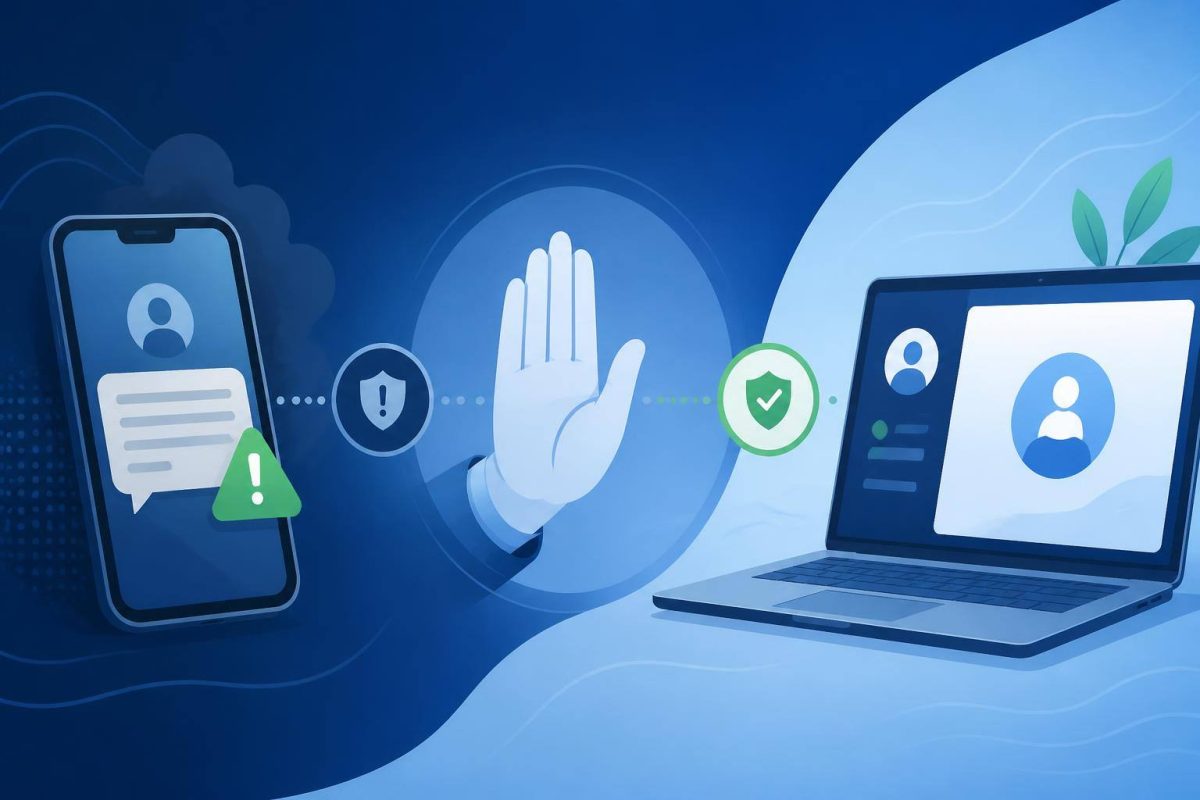
- Operate through an independent channel. Open the official app, type the website address yourself, or look up the official phone number. Do not use links, buttons, phone numbers, or email addresses included in the unexpected contact.
- Pass it on or delete it. If you cannot confirm the request, do not continue. Mark the message as spam, block the sender where appropriate, and report it to the platform or impersonated organization.
Signals that justify an immediate pause
One signal alone does not prove fraud. But the more signals you see together, the less reasonable it is to follow the message’s instructions.
- The contact was unexpected. You were not expecting a delivery, charge, offer, password change, or call from that person.
- It uses a major threat or reward. “Your account will be closed,” “you owe a fine,” “you won a prize,” or “a family member is in danger” are stories designed to trigger a fast reaction.
- It discourages verification. Anyone insisting that you stay on the line, tell no one, or avoid checking the account another way is removing your ability to confirm the story.
- It asks for data it should not need through that channel. Passwords, authentication codes, full card details, identity documents, or remote device access require especially careful verification.
- It dictates a hard-to-reverse payment method. In an unexpected contact, demands for cash, gift cards, wire transfers, cryptocurrency, or certain instant payments deserve extra caution.
- The link, sender, or phone number only resembles the real one. A changed letter, unusual domain, or local-looking number does not establish authenticity. The FTC notes that caller ID can be spoofed. Review FTC advice on imposter scams.
How to verify without trusting the message itself
If it appears to come from a company, bank, or online service
Close the message and use the official app or a website address you already know. Check whether there is actually a notice, purchase, invoice, or account restriction. If you need help, use a number on the back of your card, on an earlier statement, or on an official website you found independently.
If it appears to come from a public agency
Do not assume that a name, logo, or case number makes the contact authentic. Search for the agency’s official portal without using the received link, then check its published contact channels and procedures. Impersonators can copy real names or invent organizations that sound official.
If it appears to come from someone you know
Verify through a second channel you have used before: call a saved number, send a message to another known account, or ask a question whose answer is not public on social media. Do not treat the possibly compromised chat as the only proof.
What to do with links, attachments, and verification codes
Links and attachments can lead to pages that imitate real services or install unwanted software. The cautious approach is not to open them from an unexpected message. If you think the notice might be genuine, find the service independently and check the issue there.
Temporary verification codes deserve one simple rule: do not share them. Their purpose is to prove that you are trying to sign in or approve an action. If someone asks for one by phone, chat, email, or social media, stop the interaction and check the account through an official channel.
The FTC recommends keeping devices updated and using multi-factor authentication, because that added layer can make account access harder even if someone gets your password. Read the FTC explanation of phishing and multi-factor authentication.
If you already clicked, replied, or shared information
Do not let concern turn into inaction. Acting quickly may limit the damage.
- End the contact. Do not continue the conversation or install tools suggested by the other person.
- Change exposed credentials. Use the official site or app, starting with your email account if you reused that password elsewhere.
- Review account activity. Look for logins, recovery changes, purchases, transfers, or unfamiliar devices.
- Contact the relevant provider. If you shared banking details or made a payment, contact the institution promptly through its official channel.
- Secure the device. Update the system and security software; if you opened a file or installed something, run a security scan.
- Report it and keep evidence. Save screenshots, numbers, emails, and receipts to report the incident to the platform, impersonated organization, or relevant authority.
The U.S. Cybersecurity and Infrastructure Security Agency (CISA) summarizes a useful phishing response: recognize it, report it, and delete it. Read CISA’s phishing avoidance tip sheet.
A routine that prevents rushed decisions
Prevention does not mean distrusting everything. It means reserving an independent check for actions that could cost money, account access, or privacy. Make it a personal or family rule: no unexpected payment, password reset, access code, or installation is approved from the first message received.
Conclusion: when a message pressures you to act, do not try to solve the issue inside that same conversation. Leave the channel, find official contact details, and verify the claim before responding. That brief pause is a practical defense against many forms of impersonation.