
Sending a document online sounds simple: attach a file or copy a link. But that action can expose information to the wrong recipient, leave access open longer than necessary, or introduce a harmful file into an account or system.
The answer is not to avoid all digital sharing. It is to choose a channel that suits the information and apply proportionate controls. Security improves when each person knows what they can do with a document, how to verify its source, and when access will end.
Before sharing, decide what the recipient needs
Start with a simple classification. Does the material include personal data, financial information, internal documents, or login details? If so, avoid publishing it through an open link or sending it to an address you have not verified.
Share only what is needed for the task. If one page or an excerpt is enough, do not send the entire file. You may also remove irrelevant details, provided doing so does not change the document’s meaning or conflict with applicable obligations.
Next, choose a channel that lets you control access. Before using a platform, check who can open the file, whether they must sign in, and whether you can restrict downloads or revoke the link. Do not assume that a hard-to-guess link is private.
Set permissions that are limited and temporary
Follow the principle of giving each person only the access they need. If the recipient only needs to read, do not grant editing rights. For a one-off exchange, avoid turning it into a permanent shared folder.
- Verify identity: confirm that the address or account belongs to the intended person, especially before sharing sensitive information.
- Choose the right permission: view, comment, or edit, depending on the task; avoid administrator access for an ordinary exchange.
- Limit the audience: share with specific accounts when possible rather than allowing anyone with the link to access the file.
- Set a review point: remove access when the project ends or the file is no longer needed.
- Check the result: review the link settings from the recipient’s account or through a controlled test.
A temporary permission does not replace a retention policy. Before deleting files or closing access, confirm whether a copy must be kept for operational or legal reasons.
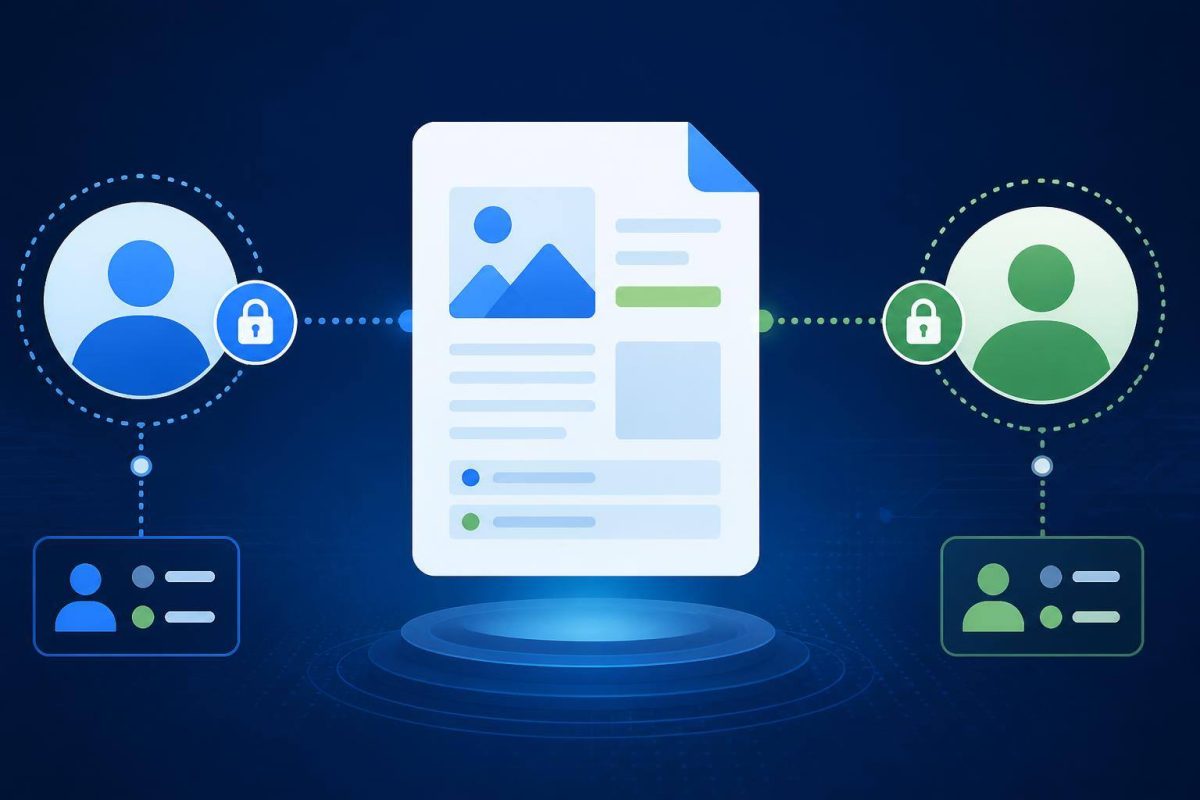
Protect the account used to share files
A secure service can still be exposed if someone takes over the account that manages the documents. Use a unique password and enable multifactor authentication (MFA) where available. NIST explains that passwords alone do not adequately protect an organization’s most sensitive assets, and that some MFA methods are more resistant to phishing than others. Read NIST’s MFA guidance.
Prioritize accounts used for administration, email, and shared storage. For these accounts, consider phishing-resistant methods if the service offers them. CISA recommends prioritizing this protection for privileged accounts and maintaining an incident response plan. Review CISA’s phishing guidance.
Treat incoming files as unverified content
A document from a client, supplier, or colleague is not automatically safe. Check that you expected it and that its format matches what you agreed to receive. If the message seems unusual, verify it through an independent channel before opening the file or following its instructions.
If your website or system lets others upload files, do not rely solely on the file extension or the type declared by the browser. OWASP recommends defining allowed formats, limiting file size, controlling who can upload, and generating safe storage filenames. It also advises storing files outside the public web root where possible and considering malware scanning where appropriate. Read OWASP’s file upload guidance.
The right controls depend on what files you accept and how they are processed. A form that accepts images does not necessarily need the same safeguards as a portal that accepts documents and automatically converts them. If your system processes files, check how it limits size, who can access them, and what happens when a file is suspicious.
A short routine for closing an exchange
- Confirm who should receive the file and what they need to do with it.
- Use a channel with access controls, and avoid public links for sensitive content.
- Enable MFA on accounts used to manage documents.
- Verify the source of unexpected files and do not open them under pressure or urgency.
- When finished, remove unnecessary permissions and check which copies must be retained.
The editorial rule is simple: sharing less, with fewer people, for less time usually makes collaboration easier to control.
Conclusion: make every transfer a conscious decision
Before clicking “share,” check three things: the recipient, the permission, and how long access will last. For incoming files, verify the source and treat uploads as content that needs controls—not as material that is trusted by default. Start by protecting accounts with document access, and make permission removal the final step in every exchange. This creates a repeatable process that is easier to review if something goes wrong.