An online radio station does not need to broadcast live 24 hours a day to be valuable. It does not need to automate everything to sound professional either. The key question is simpler: which model can your team sustain without dead air, reliance on one person or confusion for listeners?
Before choosing a platform or uploading music, separate three models: live radio, automated programming—often called AutoDJ—and hybrid programming. Each meets a different need and requires a different operating routine.
A reliable station is not the one that claims to be live all the time; it is the one that knows what will play when no one is at the microphone.
The three online radio models
1. Live radio
In this model, a host or team broadcasts through a mixer, broadcast application or remote studio. It works best when immediacy is the core value: presenters, interviews, listener participation, local coverage, events or interactive shows.
Its strength is connection. Its operational risk is clear: if the person in charge cannot connect, the station may be left without content or with an improvised replacement.
2. Automated programming or AutoDJ
The station broadcasts a prepared library of audio, station IDs, sweepers and scheduled blocks. It can run throughout the day without someone connected at every moment. It is useful for music stations, institutional channels, projects with limited live-production resources or services that need continuity outside regular hours.
Automation does not mean neglect. The catalog needs maintenance, files need checking, rotations need defining and scheduled content must remain relevant.
3. Hybrid programming
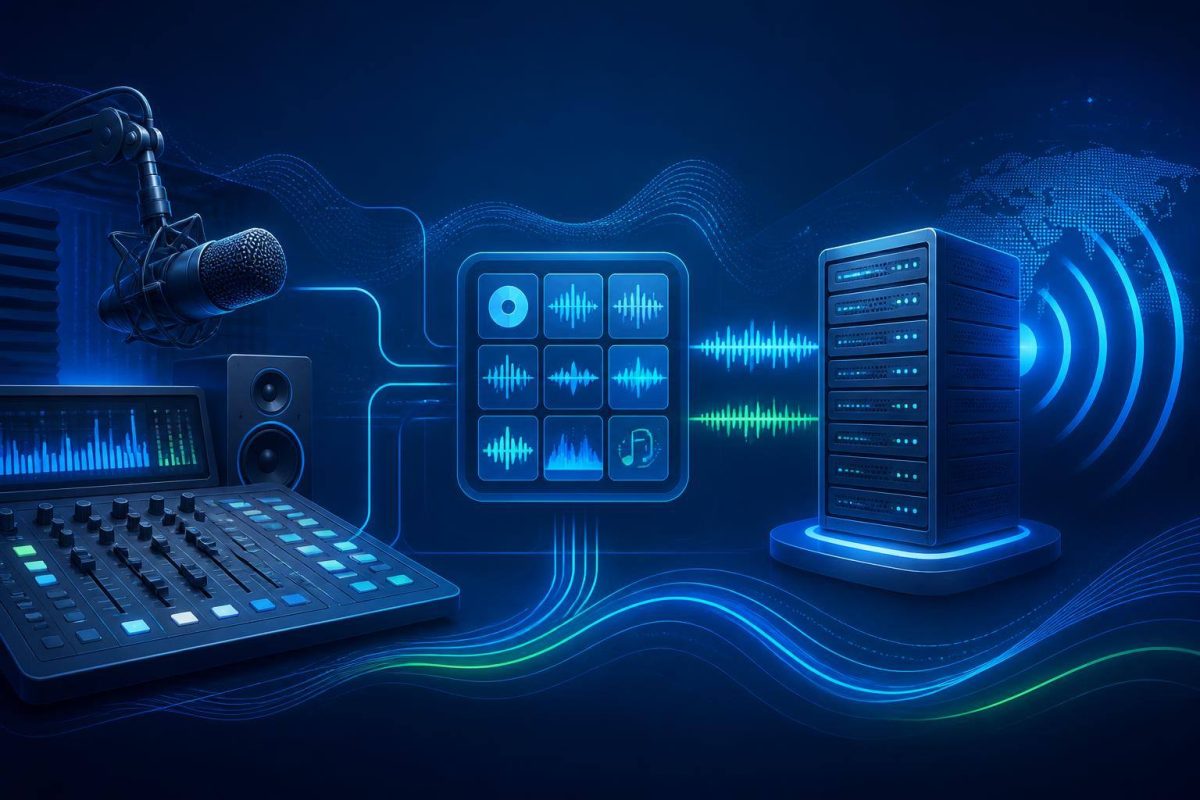
This combines automated blocks with live time slots. A station may play music and station IDs in the morning, run live shows in the afternoon and return to automated playlists overnight. Automation systems can schedule content and use a backup source when a live input is no longer available. Liquidsoap’s documentation describes this live-input and fallback approach, while its cookbook includes scheduling and recurring-content examples.
For many small and mid-sized projects, this is the most realistic starting point: it preserves human-led moments without turning every broadcast hour into an obligation.
How to choose the right model
Answer these questions based on your actual operation, not the ideal version you hope to reach:
- Availability: who can go live, and at what times, consistently?
- Continuity: what should a listener hear when no host is on air?
- Immediacy: does your offer depend on news, participation or live interviews?
- Library: do you already have music, recorded shows, IDs and promos with clear usage permissions?
- Ownership: who uploads content, manages the schedule and responds to an outage?
- Audience: do listeners expect continuous programming, specific shows or both?
If you cannot assign reliable owners to several live shifts each week, starting as a fully live station often creates more pressure than value. If your proposition relies on conversation and current information, a fully automated stream may be insufficient. A hybrid setup lets you test both without committing the entire operation.
A quick decision guide
- Choose mostly live broadcasting if you have reliable hosts, a recurring show schedule and interaction is central to your offer.
- Choose mostly automated broadcasting if you need constant presence, have enough prepared content and cannot staff live shifts.
- Choose a hybrid model if you want an all-day signal and want to reserve live broadcasting for the moments where it adds real value.
The choice does not have to be permanent. You can begin with two or three live shows each week, review production consistency and listener response, then expand once the workflow is stable.
What to prepare before configuring your stream
- Define a minimum schedule. State what airs in every block, even when some blocks repeat automated content.
- Build an organized library. Separate music, recorded shows, station IDs, promos and emergency material.
- Design a backup plan. Decide what plays if a live show does not start or is interrupted.
- Test real transitions. Simulate AutoDJ to live, live to automation and recovery after a disconnection.
- Protect access. Use separate credentials for administration and broadcasting, and share them only with people who need them.
- Check capacity and controls. A streaming-server mount point can include listener limits and authentication; the official Icecast configuration documentation details these options.
Mistakes worth avoiding
- Scheduling 24 hours of live broadcasting when you can reliably cover only four.
- Using an automated playlist with no station IDs, sonic identity or regular review.
- Relying on one computer, one connection or one person with access.
- Failing to define what happens when a host is late or loses connection.
- Using music and content without first checking applicable rights and permissions in your jurisdiction.
- Mistaking “being on air” for offering programming listeners can recognize.
Conclusion: choose continuity you can deliver
The right model is not the most complex one. It is the model that aligns your station’s promise with your actual production capacity. If live broadcasting is your differentiator, dedicate the resources to do it well. If continuity is essential, build thoughtful automation. If you need both, organize a hybrid schedule with tested transitions and backup.
Once that operating model is defined, an Ideasweb online radio plan can provide a broadcasting foundation for organizing your signal, audience and on-air moments.